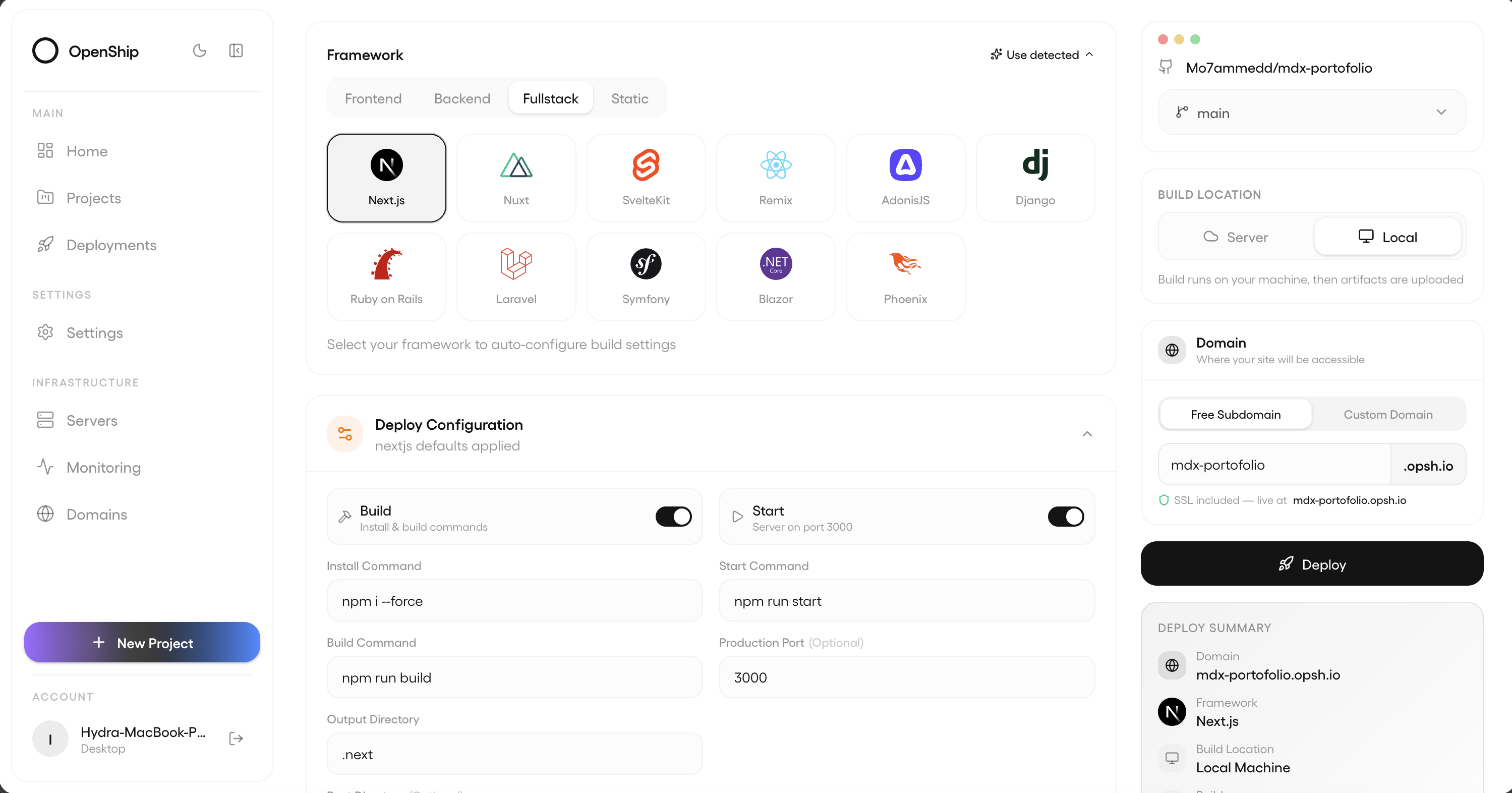
Openship: The Self-Hosted Deployment Platform That Skips the YAML
Deploying an app shouldn't require a YAML PhD. That's the pitch behind Openship, an open-source, self-hosted deployment platform that just landed on GitHub with built-in CI/CD, and it's already pulling attention for how little setup it demands.
What It Actually Does
Point Openship at a repo, and it detects your stack, builds it, configures the environment, and ships it — no config files, no pipeline YAML. It handles the boring-but-critical stuff too: databases, domains, SSL certificates, CDN, transactional mail, and backups, all from one place. You can run it against Openship Cloud (managed) or any Linux server you already own — same tool for a solo dev's side project and a team's production stack.
The Feature List Is Genuinely Broad
It supports basically any stack — Node, Python, Go, Rust, PHP, Ruby, Java, .NET, Docker, monorepos — plus full backend infrastructure like Postgres, MySQL, MongoDB, Redis, workers, and WebSockets. Domains get automatic Let's Encrypt SSL with wildcard support. There's a built-in CDN with edge caching and HTTP/3. It even ships its own SMTP mail server with DKIM/SPF/DMARC configured, so you're not bolting on Mailgun or SES separately. Backups are scheduled with one-click restore, and there's real-time monitoring with live build logs and container metrics streamed straight to your screen.
You get three ways to interact with it: a desktop app, a browser-based web dashboard, and a scriptable CLI (openship deploy, openship logs --follow, openship rollback). There's also a REST API and MCP support for AI agent tooling — a nod to how deployment workflows are increasingly being driven by agents, not just humans.
How It's Different From Coolify or CapRover
This is the most interesting architectural choice. Tools like Coolify, CapRover, and Dokku run their entire control plane — dashboards, build systems, CI runners, databases — on your server, competing with your actual apps for resources. Openship builds locally (or in the cloud) and only ships production containers to your server. Your server runs your apps and nothing else. If you'd rather build on the server anyway, that's just a config flag, not a different product.
Getting Started
It's a single command either way:
npm i -g openship
openship init
or via Docker:
git clone https://github.com/openship/openship.git && cd openship
cp .env.example .env
docker compose up -d
Where It Stands
The project describes itself as having a "production-ready core" and is actively developed, with multi-node clusters, a load balancing UI, private networking, and visual CI/CD pipelines on the roadmap. It's licensed AGPL-3.0 and built primarily in TypeScript.
For anyone tired of hand-rolling Nginx configs and juggling five SaaS bills for SSL, mail, and CDN, Openship is worth a look — especially if the "control plane stays off your server" model appeals to you.